
Hi,
This is how I made this.
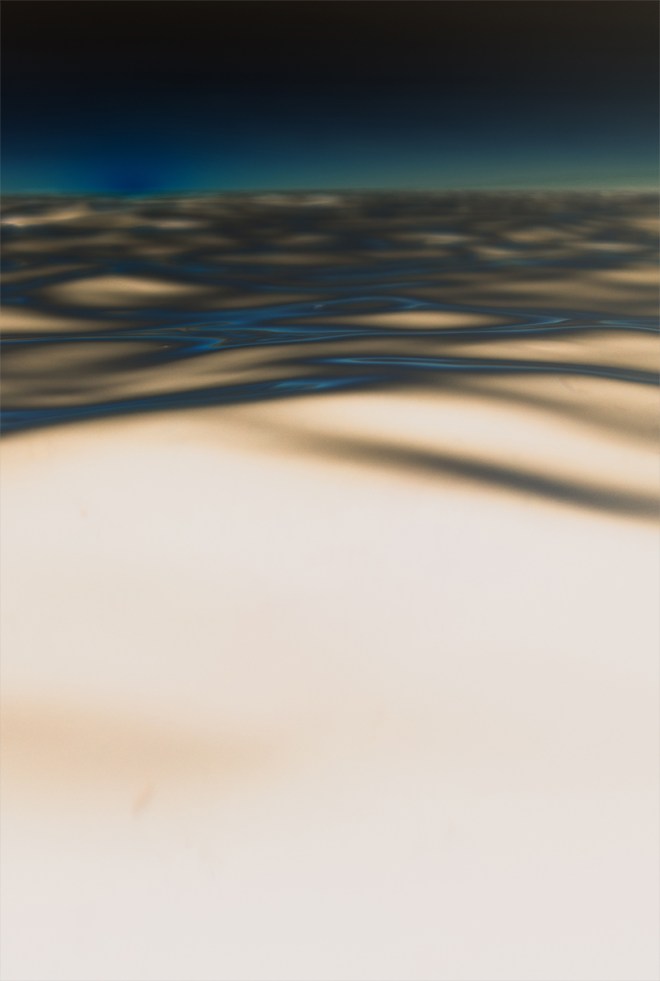
Follow along if anyone wants to.
I found the image through Unsplash.
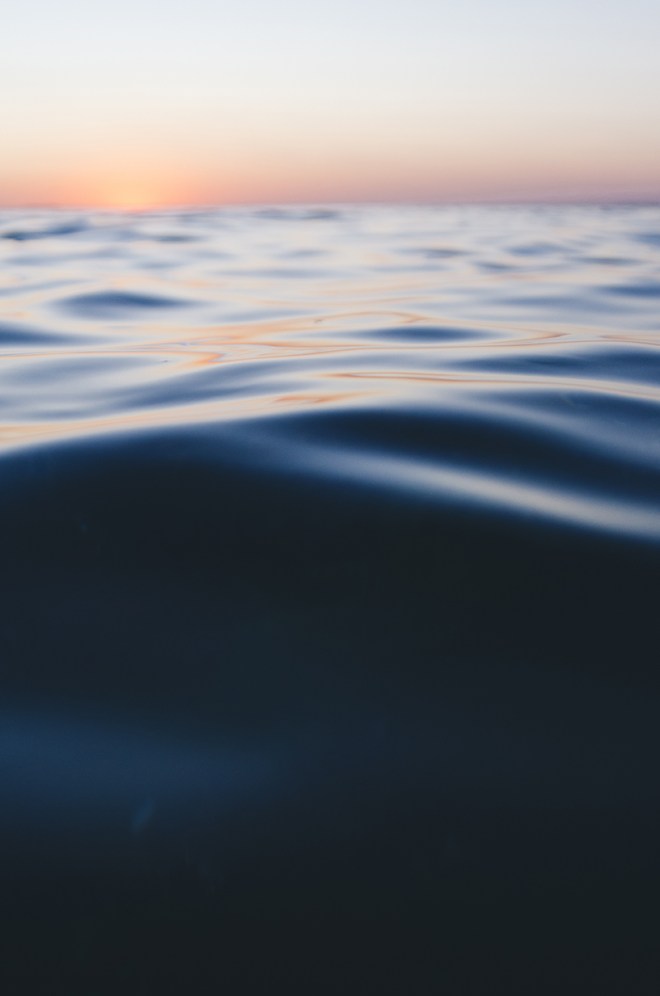
First download the picture and open with Photoshop.
Unlock background layer by double clicking the layer and choosing okay.
Duplicate by pressing Ctrl + J.
Press Ctrl + T for Free Transform.
Move down a little bit. Press Enter.
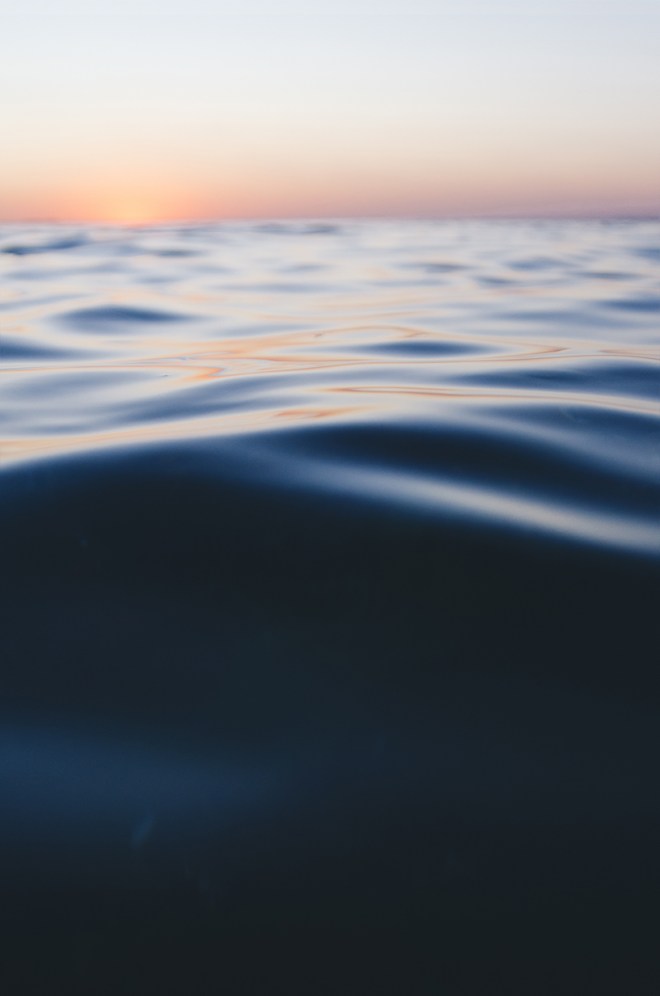
Change blend mode to Difference.
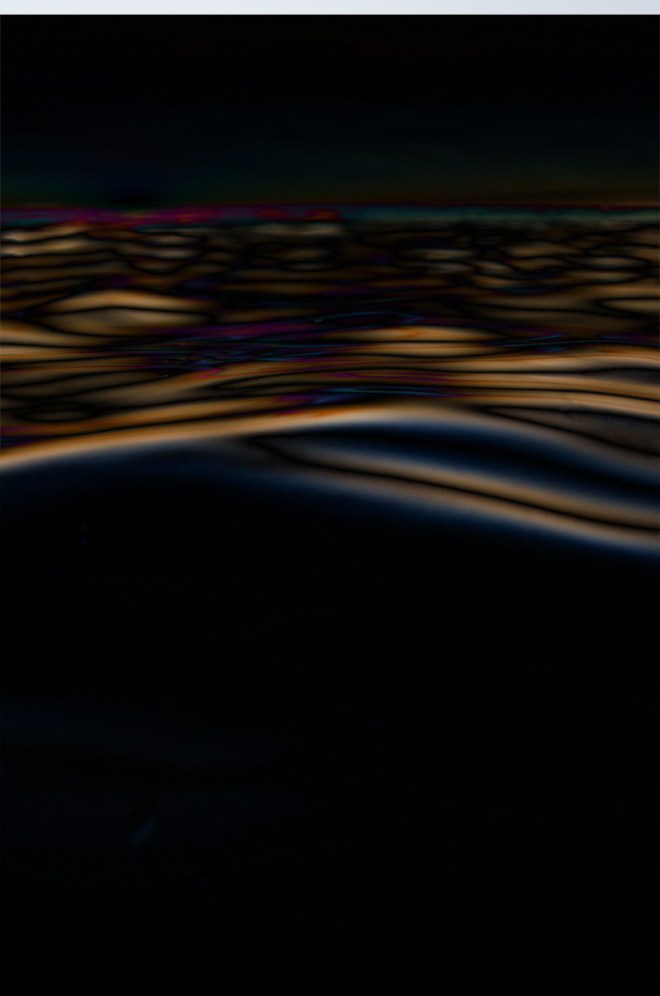
Add a Hue/Saturation Adjustment Later to the top layer.
Reduce saturation all the way. And

Increase lightness all the way.
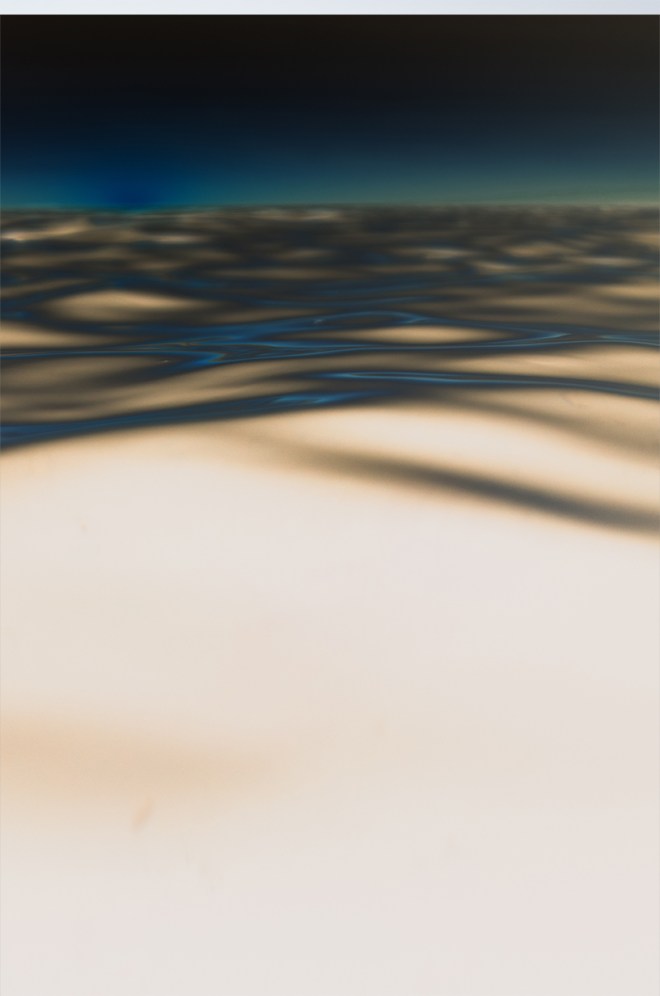
Crop and we are done.
I hope that helps.
 Girish Karthikeyan